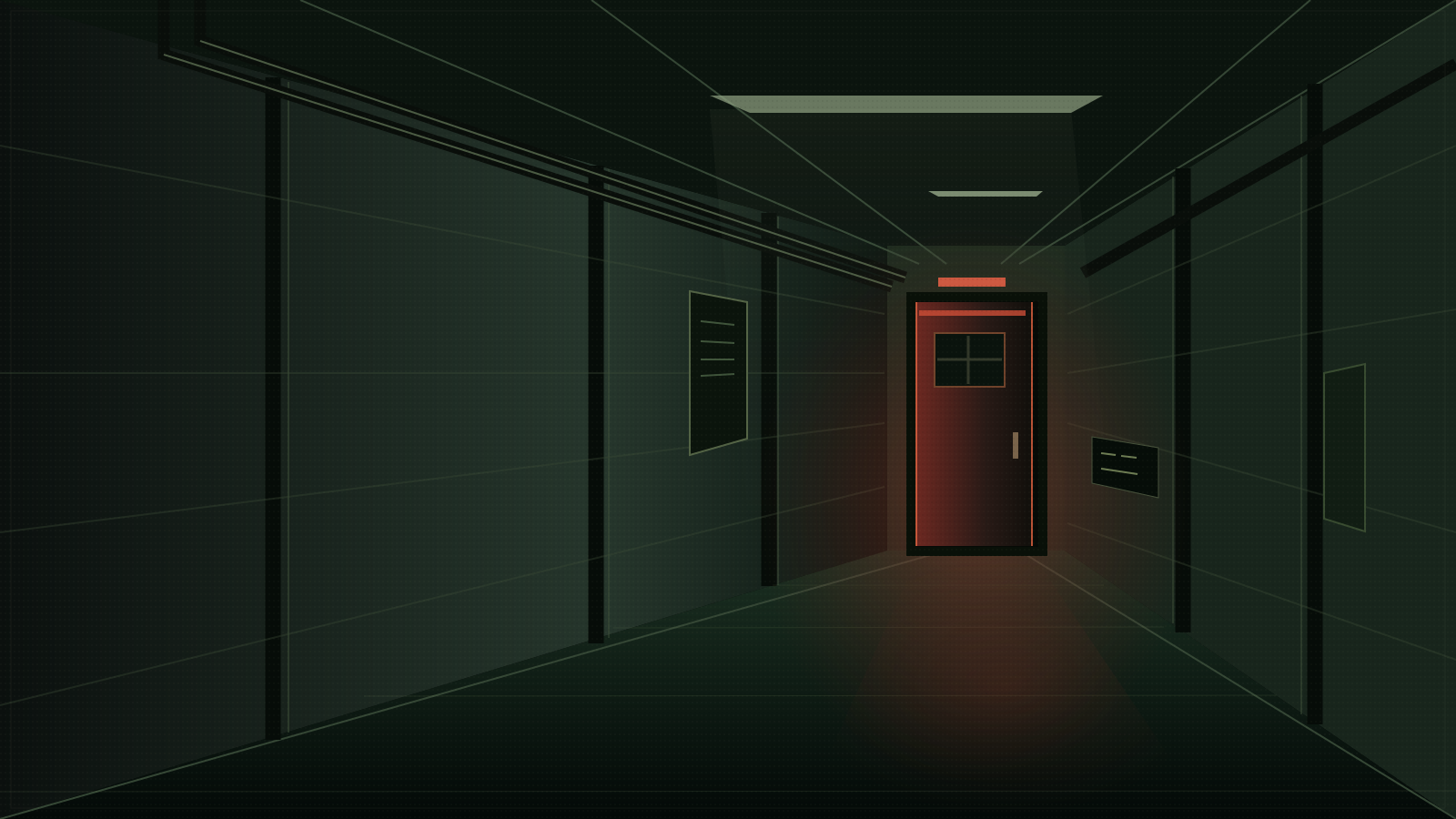
Play SITE BURIAL in your browser.
Select Start Game above to open SITE BURIAL. Keep this tab open while the initial download finishes, then choose Start from the game’s main menu. You do not need a website account.
SITE BURIAL includes violence, death, blood, suicide-related themes, and flashing imagery. Read the official content notes before playing. A first playthrough is roughly 30 minutes; give yourself longer if you prefer to pause and read slowly.
For a comfortable session, use a larger screen and headphones. On a phone, try landscape orientation. Fullscreen gives the text more room, and the game’s Preferences menu lets you adjust its settings.
You can browse the SITE BURIAL guide while your game stays open in a small corner player. Return to Play to restore the larger view. Save first if you plan to reload the whole website or open the game in a different tab.
Your first SITE BURIAL run.
Click or press Enter to continue the dialogue. When choices appear, read the available options before selecting one. Let the conversations introduce the Institute and Jonah before opening a detailed route.
The recurring decisions in SITE BURIAL involve search destinations and limited provisions. Consider both survivors, check the current supply count, and keep a separate save before dividing supplies.
You can keep spoilers off throughout your first run. If you get stuck or want a particular ending afterward, the SITE BURIAL walkthrough has sealed day-by-day routes.
Save your SITE BURIAL progress.
- Open Save inside SITE BURIAL and select an empty slot.
- Keep a second slot before an important choice, so you can return without losing your current place.
- Use Load in the game to return to a saved point.
- Open the small Ren’Py menu in the corner of the game and choose Export Saves for a backup.
- Use Import Saves if you need to restore an exported backup later.
SITE BURIAL browser saves belong to the game’s address and your browser profile. Private browsing, storage restrictions, or switching devices can keep them from appearing. Stick with the same address and export a backup before clearing browser data.
The website’s SITE BURIAL endings checklist is a separate personal record. Checking a box does not create a game save or unlock Extras.
SITE BURIAL loading help.
The game is still loading
The SITE BURIAL game archive is about 229 MB. A slow connection may need several minutes for the first visit. Leave the tab open and wait for the game’s main menu before starting. A stable connection helps with this initial download.
I cannot hear the sound
Click inside SITE BURIAL, check the in-game Preferences menu, and check whether your browser has muted the tab. Some browsers wait for a click before allowing sound to begin.
The screen is blank or shows an error
Try the player’s New tab control to open SITE BURIAL directly. If the problem continues, try an up-to-date browser or the desktop download. Restarting loses unsaved progress, so save first whenever the game still responds.
My saves are missing
Return to the same browser profile and SITE BURIAL game address. Try opening the game directly if your browser restricts embedded storage. Import a backup if you have one, and avoid clearing site data while troubleshooting.
Fullscreen is unavailable
Some browsers limit fullscreen inside a page. Open SITE BURIAL in a new tab for more space. To leave fullscreen, use the player’s Exit fullscreen button or your browser’s exit control.
Download SITE BURIAL.
The creators recommend downloading for a smoother experience. Visit the official SITE BURIAL itch.io page ↗ for desktop builds, release notes, and ways to support the team.
When you finish a run, you can return to the SITE BURIAL endings guide to record your outcome or find the route to another one.